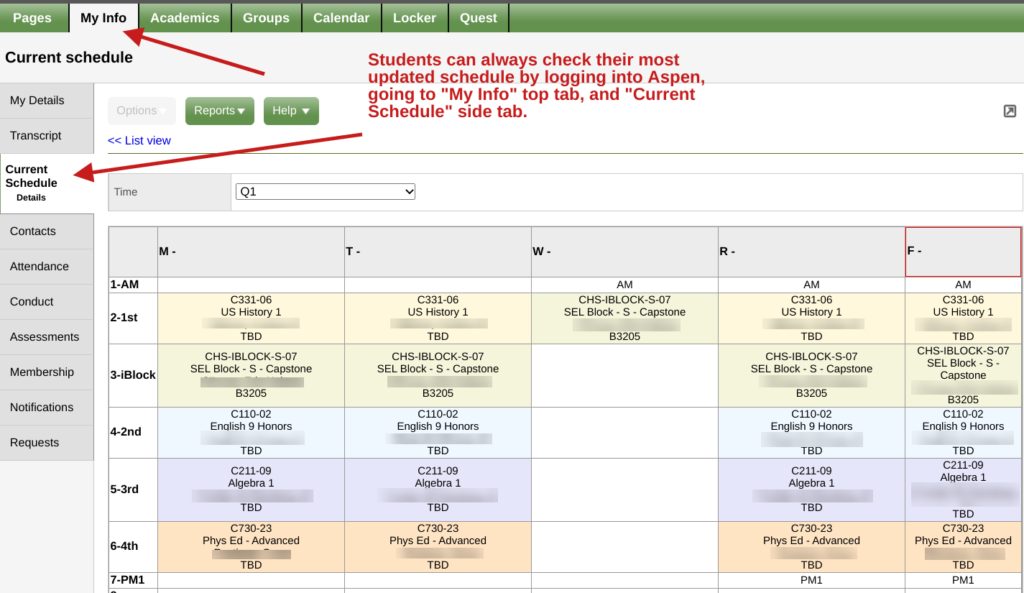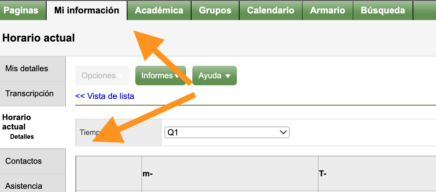
Students’ most recent, updated schedule is always available in Aspen. Students can check their schedules by logging into Aspen, going to the “My Info” top tab, and then clicking the “Current Schedule” side tab.
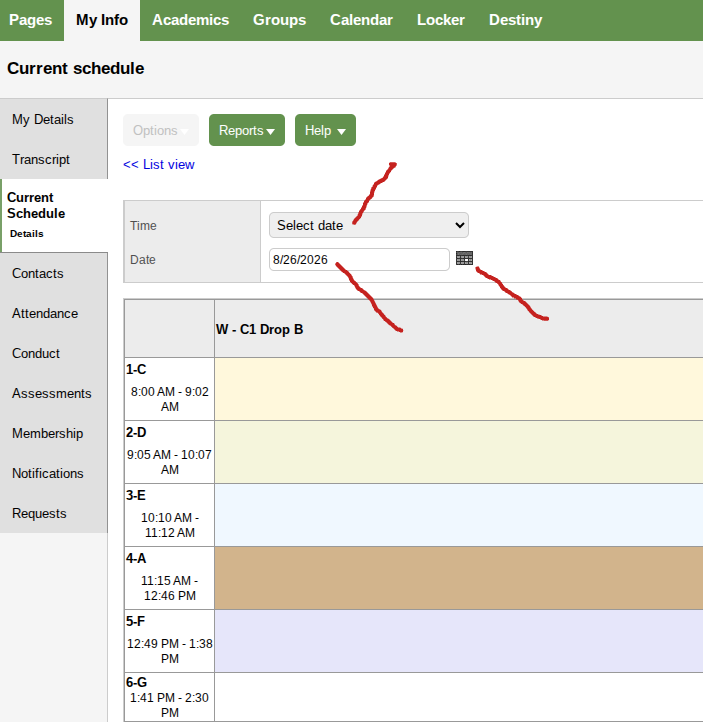
If the schedule rotates, change the “Time” drop-down” above the weekly schedule to “Select date,” and pick the date from the calendar you wish to see. The date view will show you the accurate period rotation for the day selected.